
Download Silk Browser APK – Amazon Silk Browser, mobile web browser, cloud-based browser, fast web browser, Android browser, free browser, secure browser, latest version, update, PC software, desktop application
Overview
Silk Browser is a mobile web browser developed by Amazon, a leading technology company in the United States. Designed primarily for Android devices and Fire tablets, it operates under a unique split browser architecture that leverages Amazon’s cloud infrastructure to enhance web performance. The browser aims to deliver faster page loading times by offloading much of the rendering work to Amazon’s cloud servers, reducing the processing burden on local devices. This architecture is particularly beneficial for users with mid-tier or lower-end hardware, as it helps mitigate performance limitations.
The software is intended for consumers seeking a fast, efficient browsing experience with reduced storage usage. By processing and compressing content in the cloud before delivery, Silk minimizes the need for large local caches, freeing up valuable storage space on mobile devices. It also supports predictive loading, where the browser anticipates user behavior and preloads content based on browsing patterns. This functionality is designed to reduce latency and improve responsiveness during navigation. While the browser is free to download and use, its reliance on cloud-based processing raises considerations around data privacy and network transparency.
Key Features & Capabilities
- Split Browser Architecture: Distributes web rendering tasks between the device and Amazon’s cloud servers, enabling faster page load times and reduced local resource usage.
- Cloud-Based Content Optimization: Compresses images and other media before delivery to reduce bandwidth consumption and improve loading speed on constrained networks.
- Predictive Preloading: Uses machine learning to anticipate user navigation and load content in advance, minimizing wait times when switching between pages.
- Storage Efficiency: Reduces the need for large local caches by handling much of the rendering in the cloud, helping users manage limited device storage.
- Privacy Controls: Allows users to disable cloud features, providing a choice between performance and privacy.
These capabilities are especially useful in low-bandwidth environments or on devices with limited processing power. For example, users in rural or developing regions may benefit from reduced data usage and faster access to content. Similarly, those managing older Android devices can experience improved performance without hardware upgrades. The browser’s ability to tailor content before delivery ensures compatibility with a wide range of devices, including Fire tablets. However, the extent of machine learning and data processing in the cloud means users should be aware of how their browsing behavior may be analyzed.
User Interface, Workflow & Performance
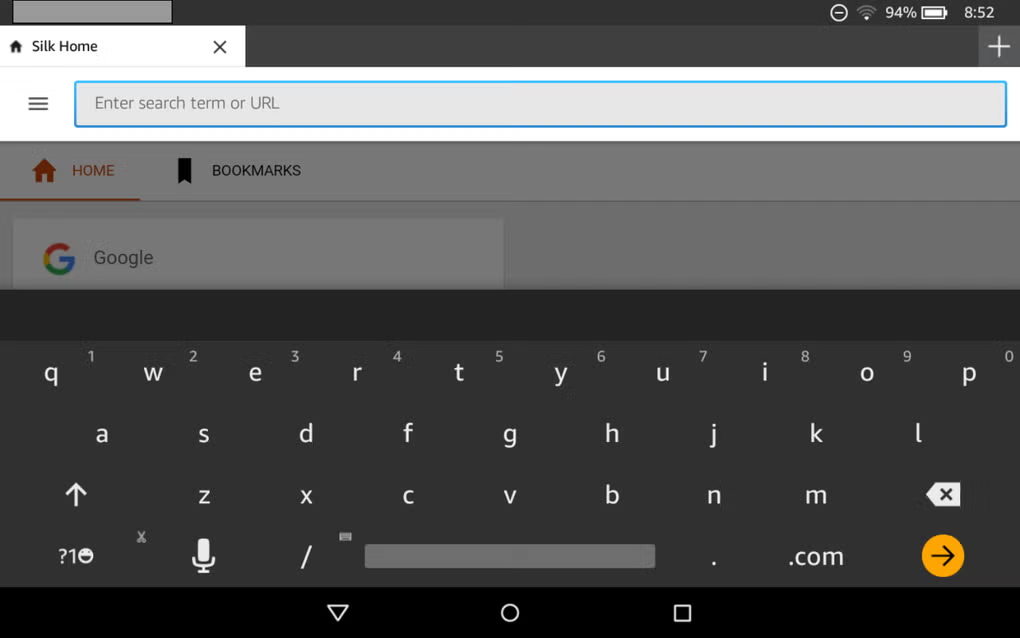
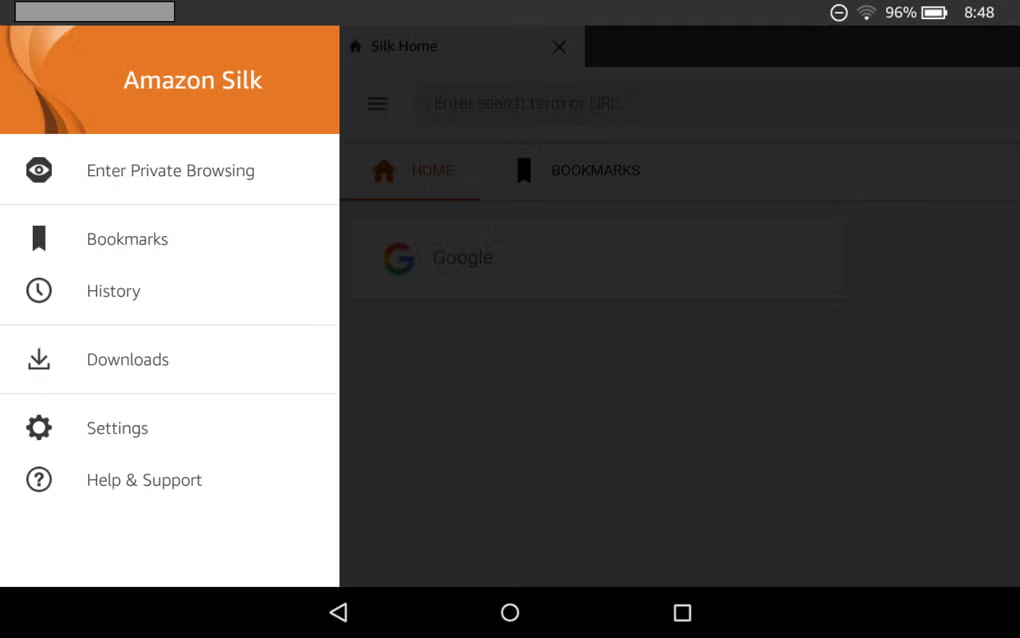
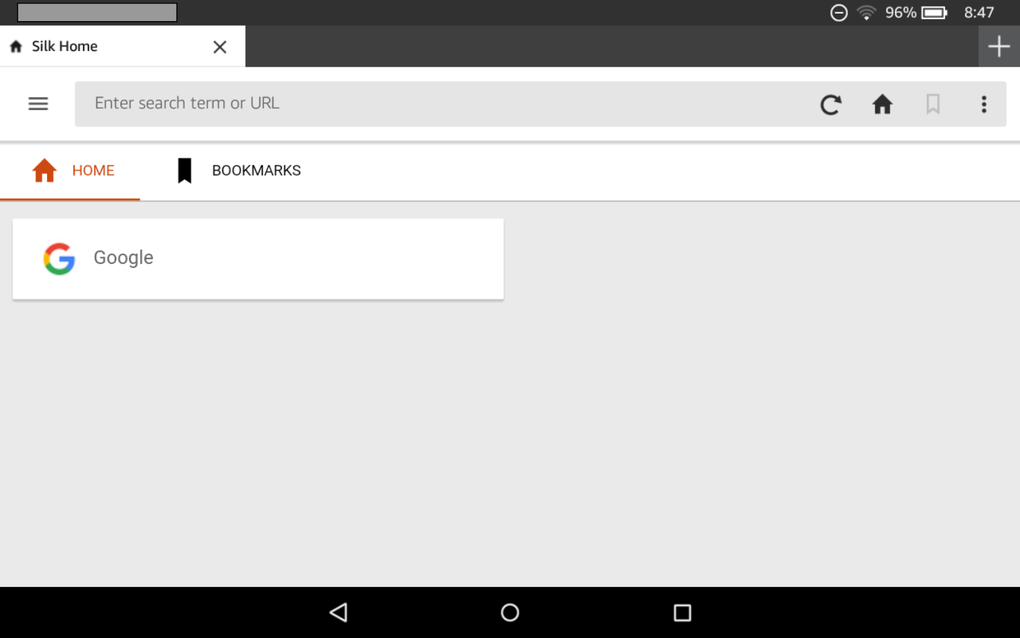
Silk Browser features a clean, minimal interface designed for ease of navigation on mobile screens. The layout prioritizes core browsing functions—address bar, navigation buttons, and tab management—while integrating cloud performance enhancements behind the scenes. Users can switch between tabs, manage bookmarks, and access private browsing modes with straightforward gestures and menu options. The workflow is optimized for speed, with minimal friction between initiating a search and viewing results, thanks to predictive loading and cloud processing.
Performance observations are based on general software behavior patterns. The browser is designed to maintain responsiveness even under heavy usage, though exact CPU and RAM usage details were not specified. Stability appears consistent across typical browsing scenarios, with no reported crashes or freezes in standard usage. The constant connection to Amazon’s cloud infrastructure may impact battery life depending on device settings and network conditions. The developer did not specify resource usage details, so actual performance may vary based on individual device configurations and network quality.
Compatibility & System Requirements
Silk Browser is compatible with Android devices and Fire tablets. The current version is 1.0.0, with an installation size of 25.6 MB. This relatively small footprint makes it suitable for devices with limited storage capacity. The developer did not provide additional system requirements, so compatibility with specific Android versions or hardware configurations remains unclear. Platform compatibility information is limited to the general statement that it runs on Android and Fire tablet platforms.
Users should ensure their devices support the required network protocols for cloud communication, as the browser relies on continuous connectivity to Amazon’s infrastructure. Without a stable internet connection, the full benefits of the split architecture may not be realized. The browser may still function in offline mode for cached content, but performance and features like predictive loading will be limited.
Pros and Cons
Pros
- Fast page loading due to cloud-based rendering and split architecture.
- Reduces device storage usage by minimizing local cache size.
- Optimizes content for lower bandwidth and smaller screens.
- Offers predictive loading for improved navigation speed.
- Free to download and use with no in-app purchases.
Cons
- Reliance on cloud processing may raise privacy concerns.
- Requires constant internet connection to function at full capacity.
- Less transparency in how browsing data is processed in the cloud.
- May consume more battery due to continuous cloud communication.
- Not available on non-Android platforms.
FAQ Section
Is Silk Browser available for iOS devices?
Silk Browser is currently only available for Android devices and Fire tablets. There is no official version for iOS platforms.
Can I use Silk Browser without an internet connection?
Basic browsing functions may work with cached content, but full features like cloud rendering, predictive loading, and content optimization require an active internet connection.
Does Silk Browser track my browsing activity?
The browser uses cloud processing to analyze browsing patterns for performance optimization. Amazon states that user data is anonymized, but users can disable cloud features to limit tracking.
How often does Silk Browser receive updates?
Updates are released periodically to improve performance, security, and compatibility. The latest version is 1.0.0, with updates managed through the Google Play Store.
Is Silk Browser secure for everyday use?
Silk Browser is designed with security in mind, but its cloud-based architecture means data passes through Amazon’s servers. Users concerned about privacy may prefer browsers with local-only processing.
Final Thoughts
Silk Browser presents a compelling option for users prioritizing speed, efficiency, and storage optimization on Android devices. Its cloud-powered split architecture delivers tangible performance benefits, particularly in bandwidth-constrained or low-resource environments. The ability to compress content, preload pages, and reduce local cache size makes it a smart choice for mobile users with limited storage or slower connections.
However, the trade-off lies in privacy and dependency on continuous cloud connectivity. Users who value data control and offline functionality may find the browser’s model less appealing. For those comfortable with cloud-based browsing and seeking a fast, lightweight experience, Silk Browser offers a strong value proposition.
Download Silk Browser now






.png)
